Keep 99exch red as a Reliable Spare, Plus an Easy Plan When It Fails Too
The worst time to look for a spare address is the evening a match is on and your usual one will not open. A little setup now saves that scramble. And because 99exch.red answered with the login screen in our check, it is a sensible candidate to save next to .com rather then instead of it.
Saving the 99Exch .red spare: free, and done once
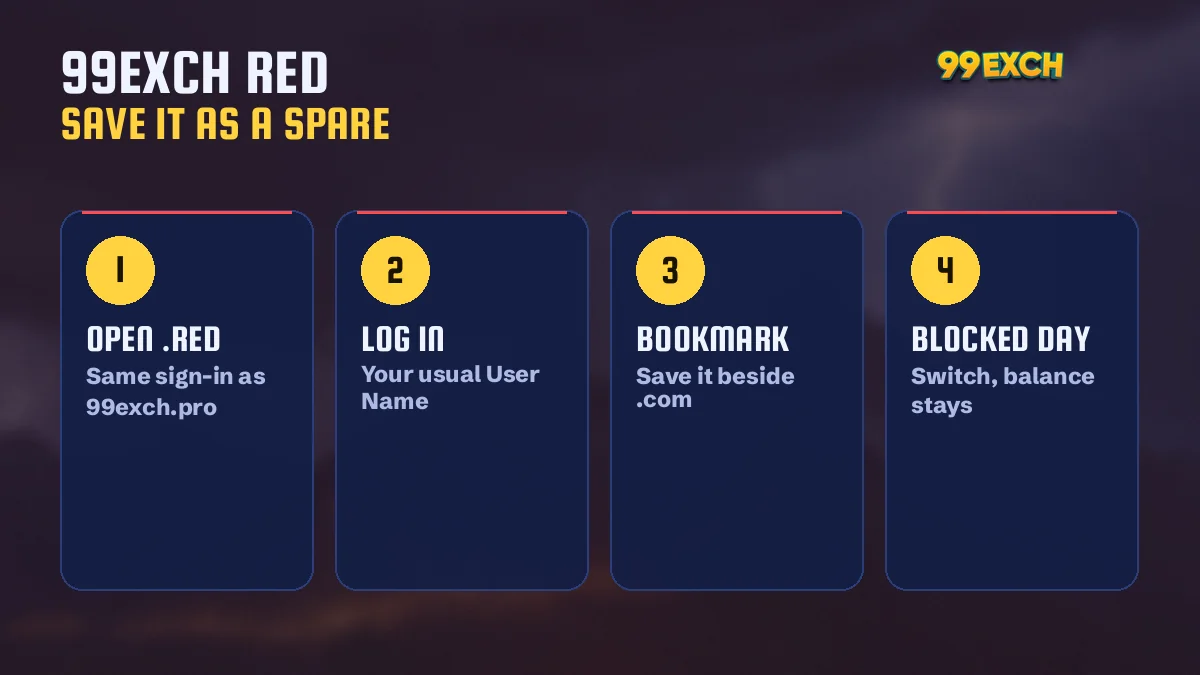
- Open 99exch.red on a day it is working, typed by hand.
- Check that the LOGIN heading with User Name and Password is on screen, then bookmark that exact page.
- Give the bookmark a name you will spot in a hurry, such as 99Exch spare .red.
- Want it one tap away? Put the bookmark on your home screen from the browser menu. iPhone has no 99Exch app, while Android users may prefer the APK from the sign-in.
- Keep 99exch.com and 99exch.green in the same bookmark folder, so you have three ways in rather than one.
Why three? Because blocks rarely land on every ending at once. If one 99Exch address is filtered on your provider, the others usually are not, at least not on the same day, and switching takes a single tap when the the bookmarks already sit side by side. Probably the most useful thing on this page, to be fair.
One limit to keep in mind. A bookmark saves the address, not the account; opening it still brings up the 99Exch sign-in on .red, and you still type the User Name and password unless your browser has remembered them. That is by design. Keep the password somewhere you can reach on the bad day as well, because a working spare does very little if the second half of the login is the part you have lost.
A word on the APK while you are here. The Download .apk action on the .red sign-in fetches the same Android app the other endings point to, and Share This Apk to Friend simply passes that file along. iPhone users do not get an app; the browser plus Add to Home Screen is the route there. Either way, the ID inside does not change.
Bookmark beside .com
99exch.com opens the lobby directly, which is handy on a good day. Keep it as your first try and .red as the next tap down.
Bookmark beside .green
The .green ending gave the same sign-in screen as .red in our check. Two login-first spares cover more ground than one.
Re-checking your 99Exch spare before you rely on it
A bookmark saved in October is only as good as the last time it loaded. So open it now and then, on an ordinary day with nothing riding on it, and look for the LOGIN heading. Quick job. If it still shows the 99Exch sign-in, leave it be; if it spins or throws an error, try it once more on a different connection (home Wi-Fi versus mobile data is the usual comparison), because a block on one provider does not mean a block everywhere. Only after both fail would we move that bookmark to the bottom of the folder and promote .green or .win in its place.
When 99exch red also fails: a quick, safe order to try
It happens. Sometimes .red will not load either, and the temptation is to start searching for any site with 99exch in its name. Slow down. Work through the endings that answered in our check, in a fixed order, and only then reach out to a person.
- Try 99exch.com first; it opened the full lobby on 11 Oct 2026, though it needed one retry.
- Then 99exch.green, 99exch.win and 99exch.live, which all served the same 99Exch sign-in that morning.
- Leave out two look-alike names that are not spares: 99exch.io, which gave a 404, and 99exchange.com, which belongs to no 99Exch account.
Run out of endings and the next stop is a person: the 99Exch desk on WhatsApp or Telegram, staffed 24x7, with the number on the 99Exch WhatsApp number page. Pick the right department so the chat starts in the right place. The desk lists New ID, Deposit Issue, Withdrawal and Password Issue. For a dead address, any of them can point you to an ending that is answering, but a forgotten password on .red belongs under Password Issue, and a missing deposit belongs under Deposit Issue, never mixed into one long message about everything at once.
Two things you should not do on a bad day. Do not ask for a fresh ID just because .red failed, since a new ID does not make any address load faster and your existing balance stays tied to the old one. And do not trust a search result that copies the 99exch name with an ending we never tested; type the address yourself, from the list above, every time.
Will .red still answer next month? Hard to say. Nobody outside the operator can promise that, and we will not pretend otherwise. What we can say is narrower and more useful: on 11 Oct 2026 it loaded the real sign-in screen, the same ID worked through it, and a bookmark made today costs nothing if the day comes that you need it.