99exch win not loading? Quick fixes that keep your real 99Exch ID
Start small. Reload once, because a single timeout is common — it happened to .com during our own test and the second attempt went through. If 99exch.win still shows a blank tab, an error or a page that does not look like the 99Exch sign-in screen, close it and move to the next ending on your list instead of hammering refresh.
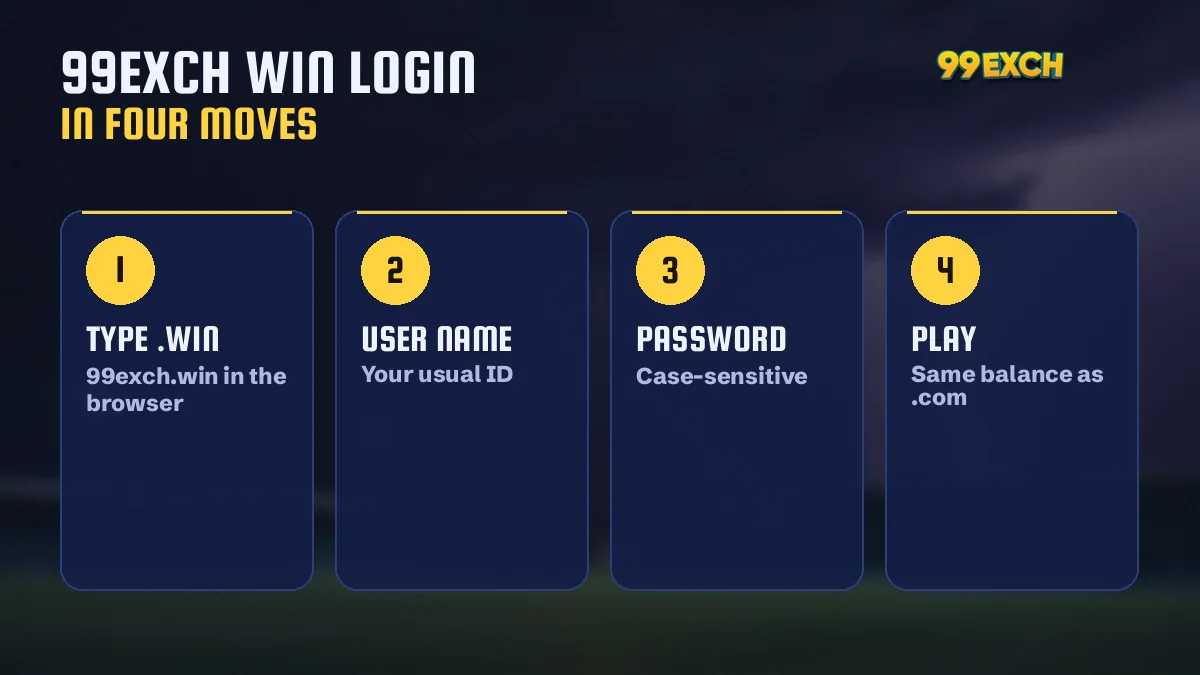
A quick sanity test on 99exch.win: four things should be on screen. You want a LOGIN heading, two boxes for User Name and Password, a Login with Demo ID button, and the reCAPTCHA line beneath. Pieces missing, or a page wanting more than those two details? Close the tab, because you have probably mistyped the ending.
Try next: 99exch.red, 99exch.live, 99exch.green. Same 99Exch User Name, same Password, same balance on each one that loads.
Do not bother with: 99exch.io, which served nothing on 11 Oct 2026 (more on the 99exch.io status note), or 99exchange.com.
A sensible bookmark order, for what it is worth: 99exch.com first, 99exch.win second, then .red, .live and .green. Keeping them in one folder means the switch takes seconds when a block lands mid-evening, and you never have to search for a 99Exch address while a match is already under way.
Still stuck after all of them? Then the WhatsApp desk is the quickest route; it runs 24x7 and can send a link that works today (number and departments on the 99Exch WhatsApp desk page). Message +91 81097 11726 with your User Name, not your Password.
On a phone the steps are identical, more or less. Android users can also take the Download .apk option from the sign-in screen (see the 99Exch APK notes), while iPhone users stay in the browser and add the working 99Exch ending to the home screen; that way a dead .win bookmark costs you one tap rather then a search.